14-Day Account Trial
The 24-hour on-device styling preview starts on first extension use. After signing up, you can separately start a 14-day account trial on 1 device. Starting it does not make a purchase.
After logging into the site, click the Start free trial button on the Pricing Page to receive your trial license!
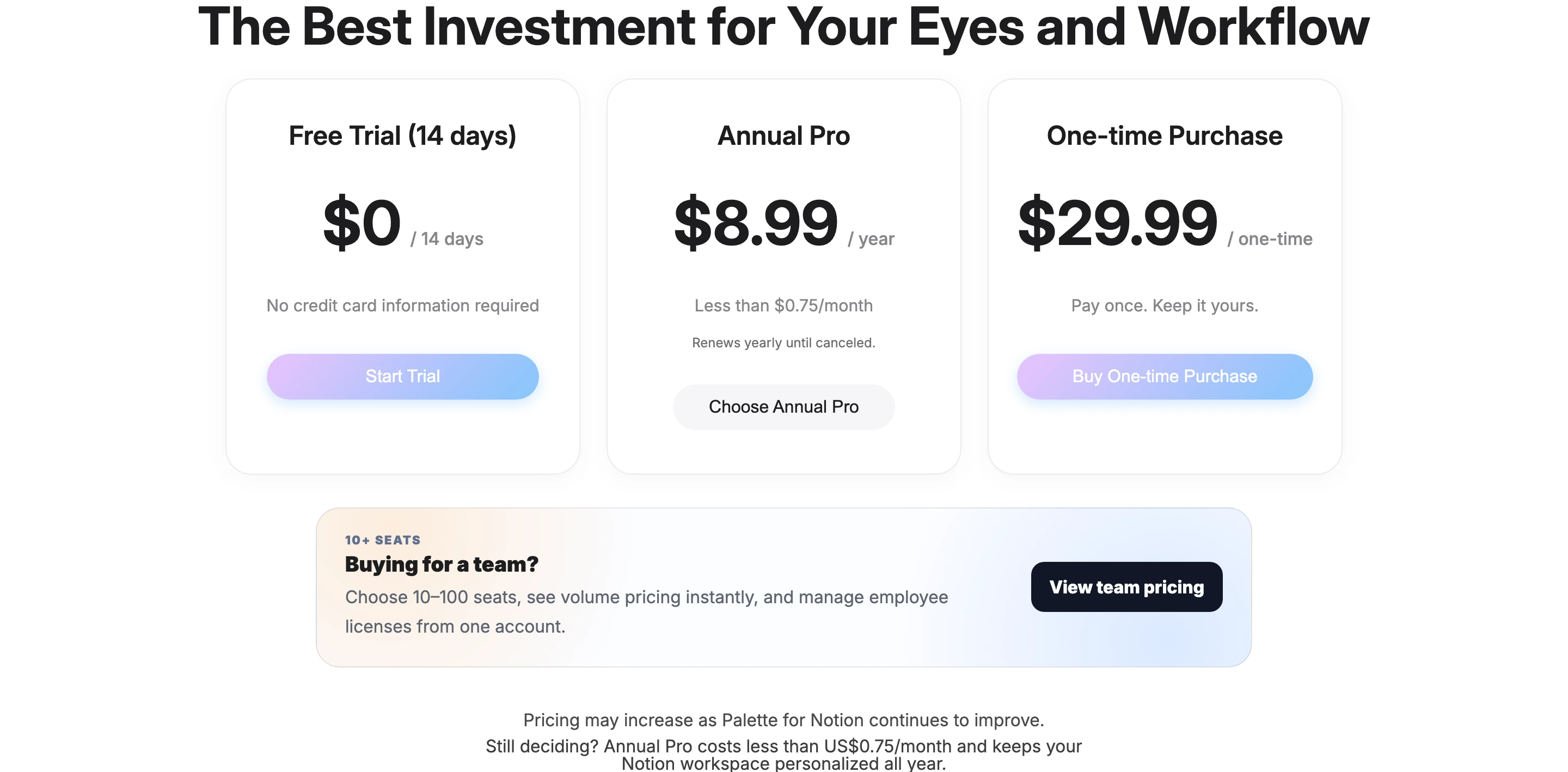
When the active preview or trial ends, continued use requires Annual Pro at $8.99/year, renewed yearly until canceled, or a $29.99 one-time purchase.
Purchase License
Go to the Pricing Page and choose Annual Pro or One-time Purchase.
Choose Annual Pro or One-time Purchase to proceed with payment.
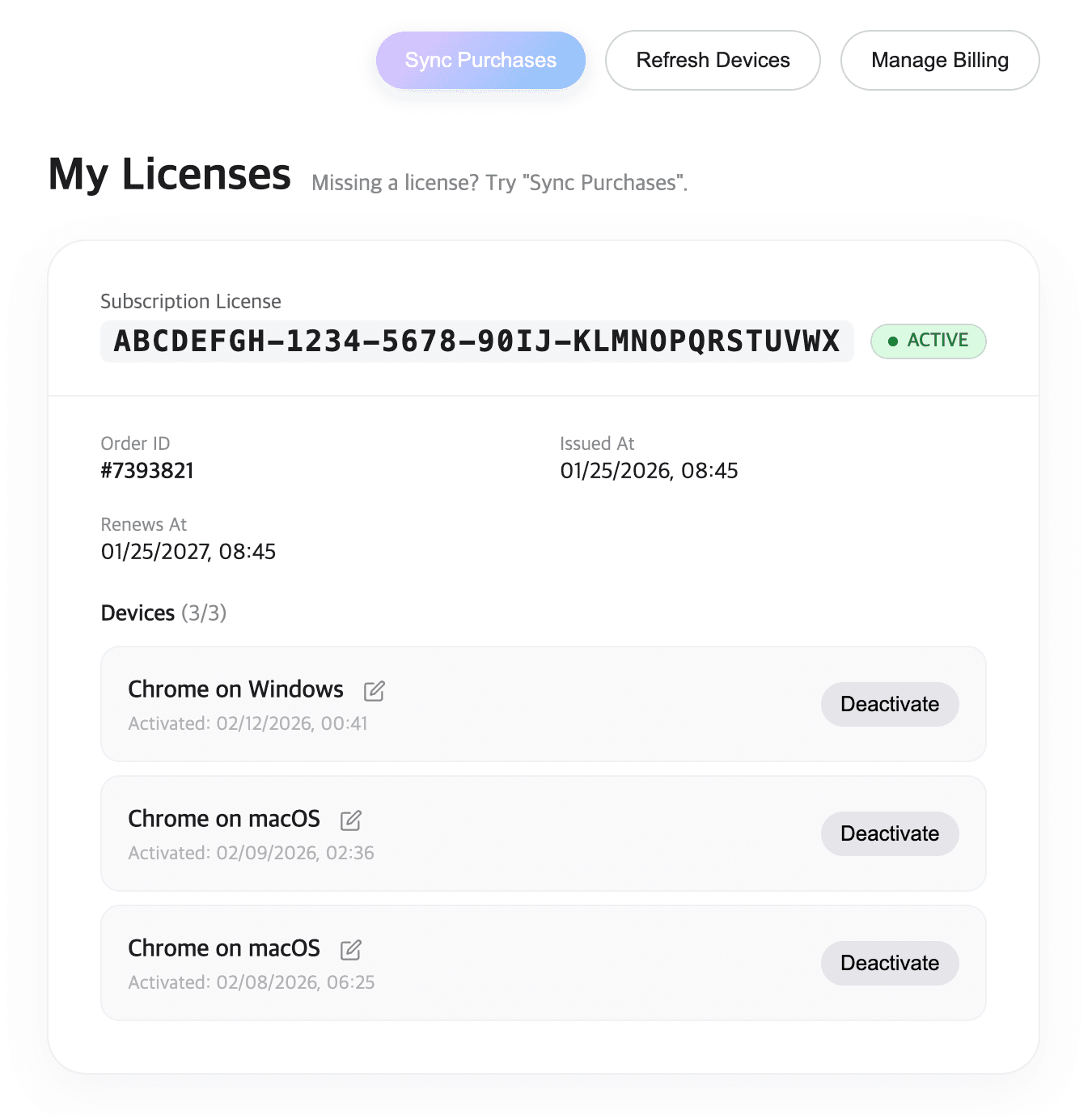
Once the payment is complete, your license key will be sent to your registered email immediately.
You can manage devices anytime from your dashboard.
Install the Extension
Palette for Notion works as a browser extension on Chrome and Edge.
Choose your browser store: Chrome Web Store or Microsoft Edge Add-ons.
Search for Palette for Notion.
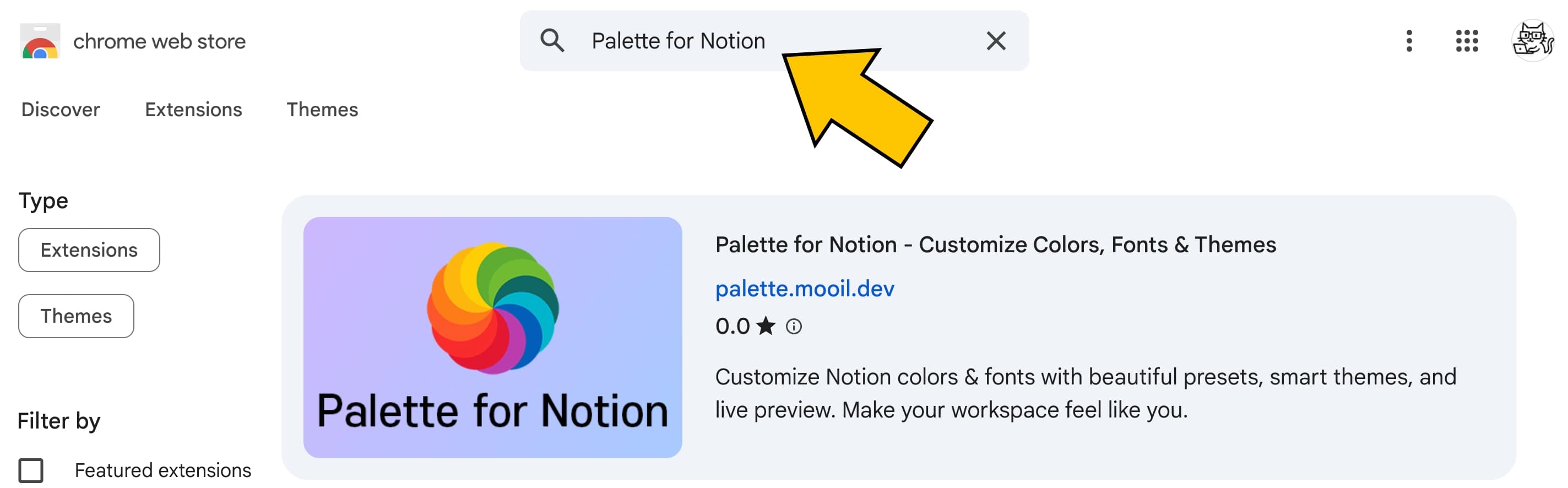
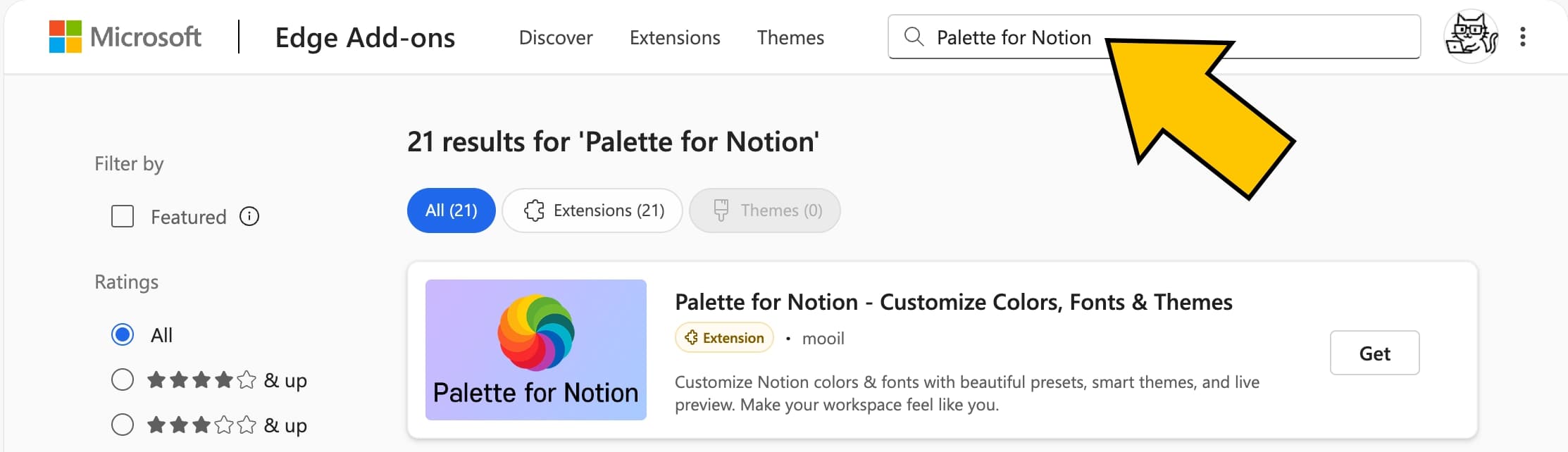
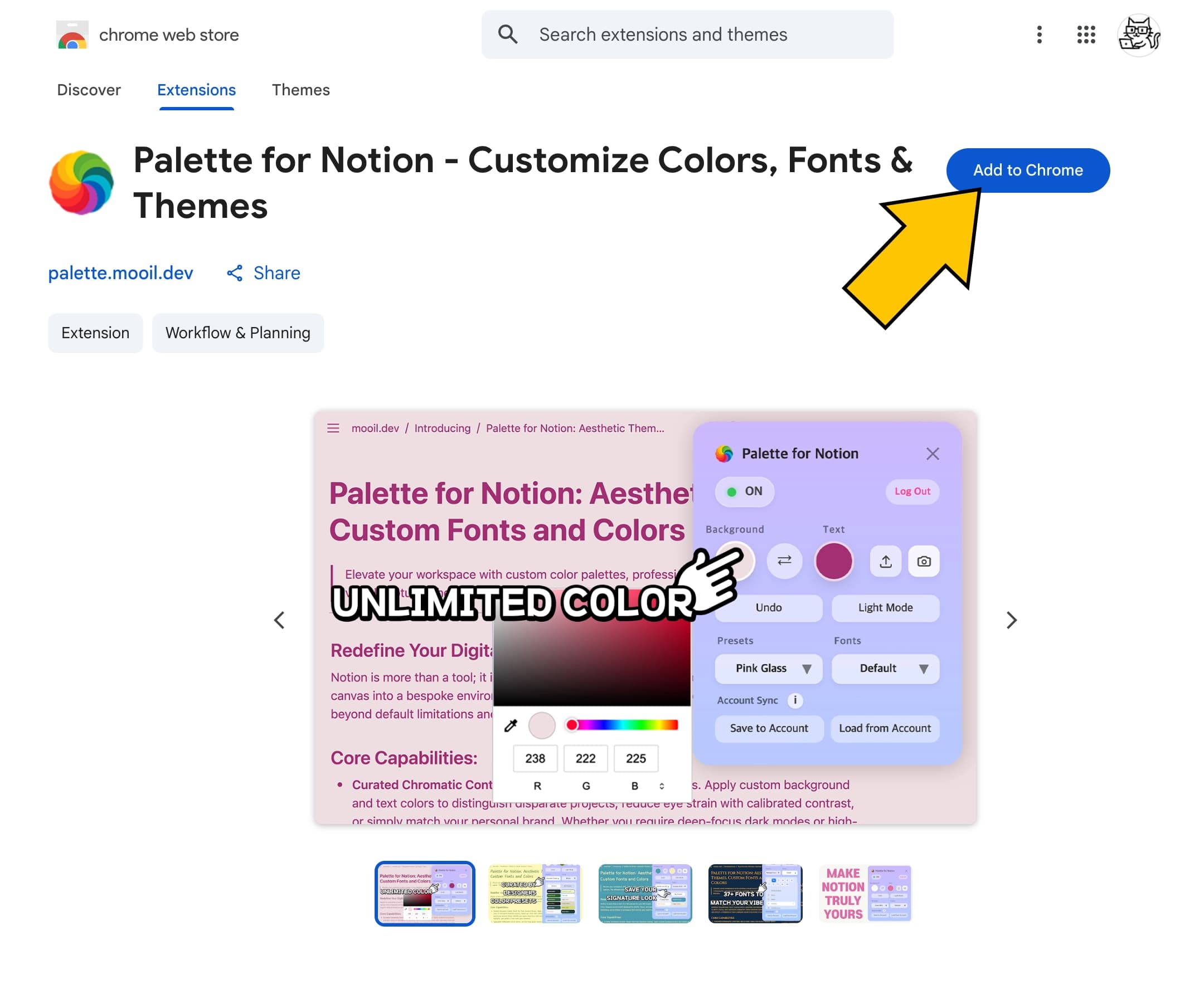
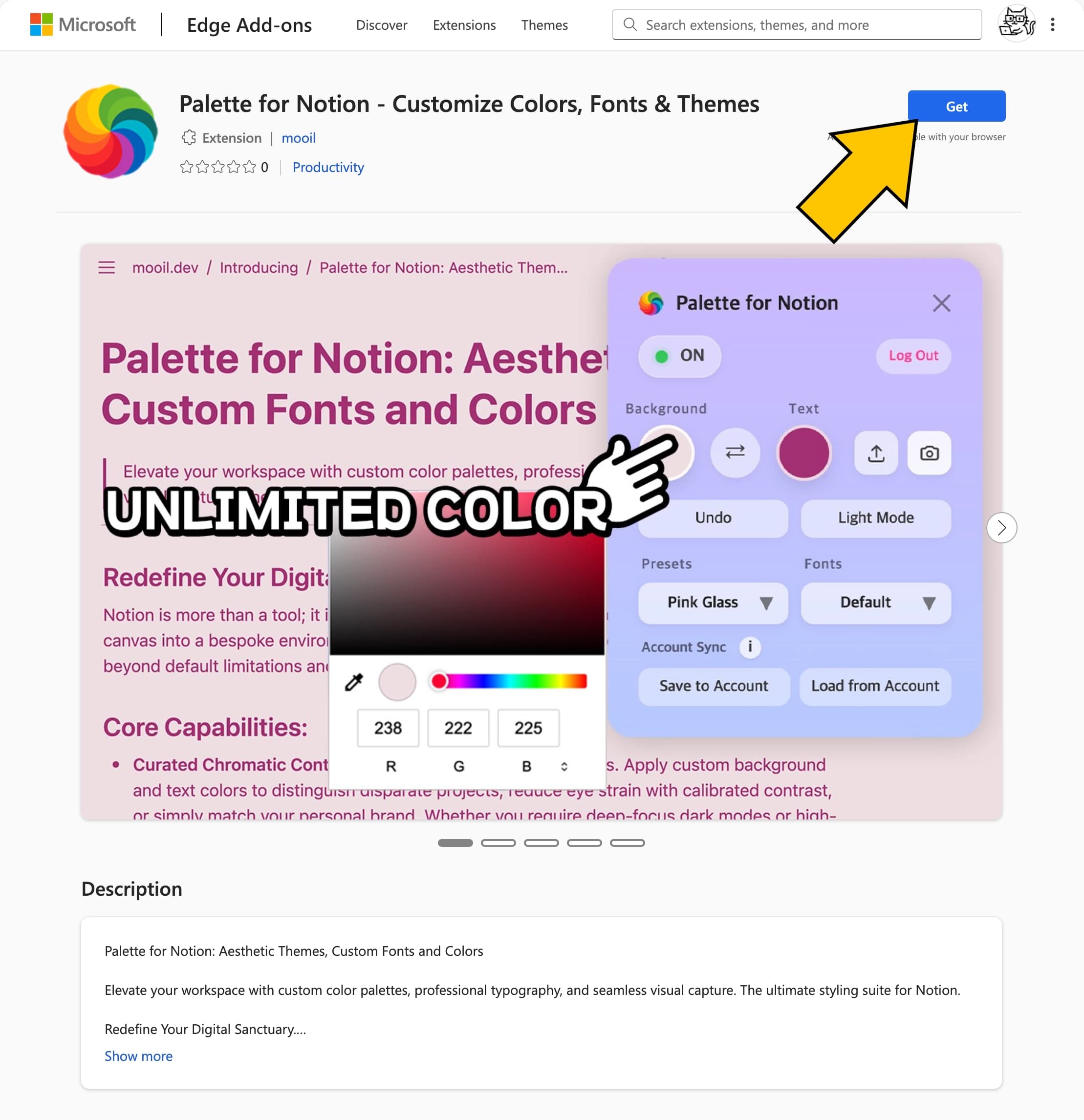
Click Add or Get to install the extension in your browser.
Activate License
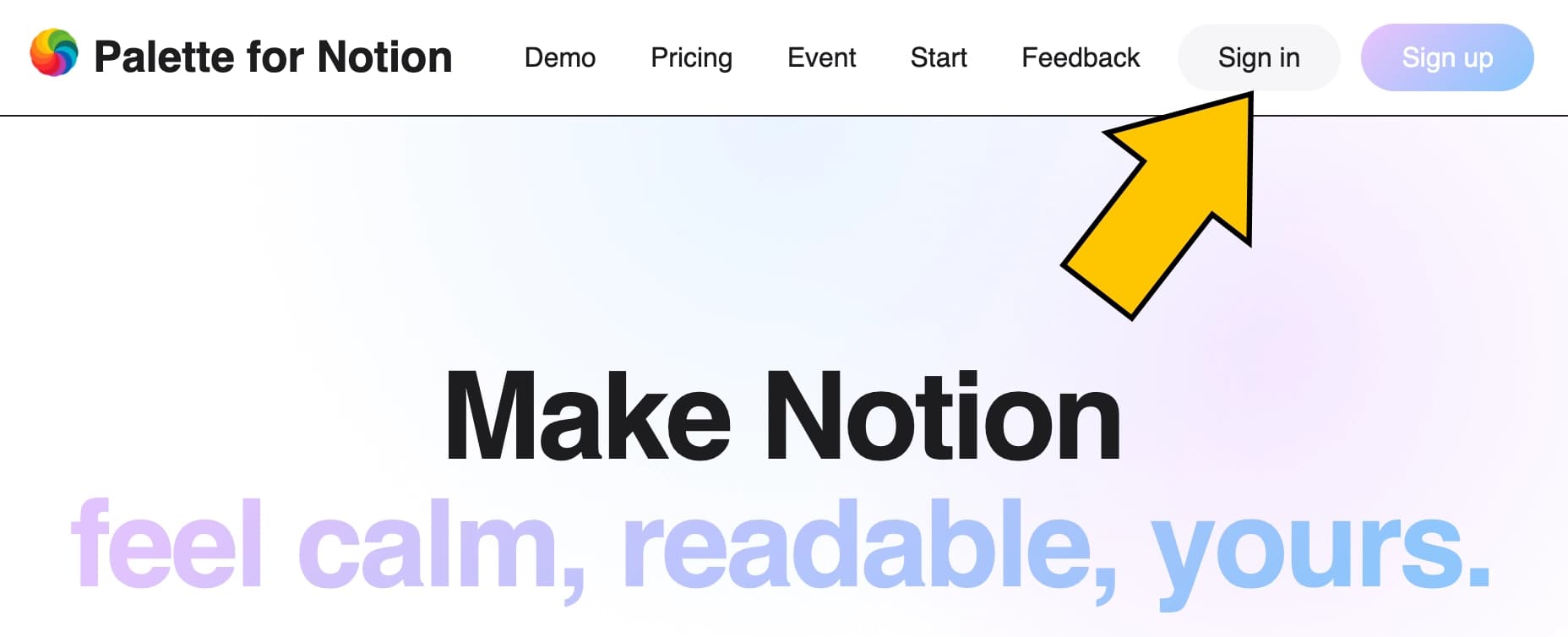
Log in at palette.mooil.dev.
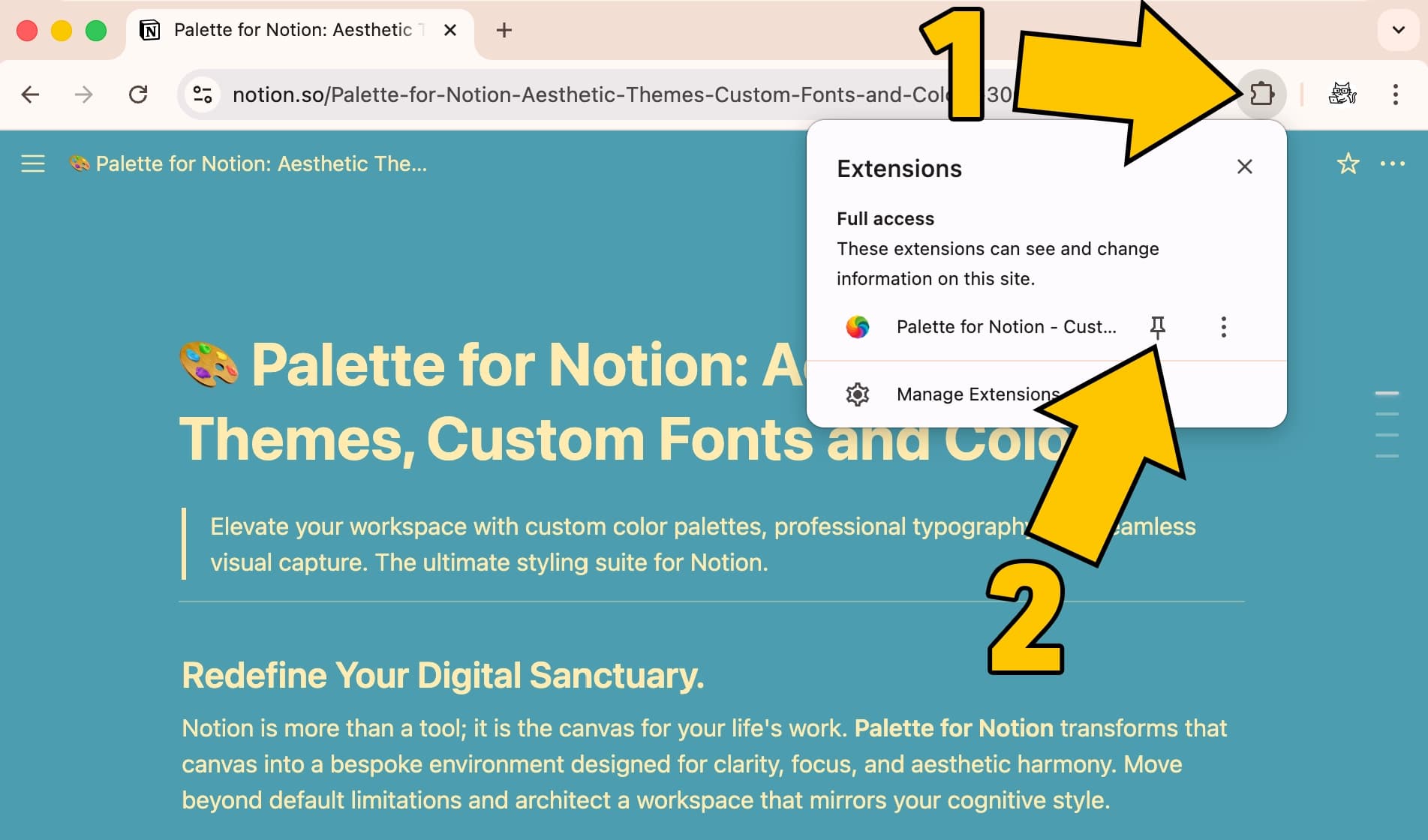
On a Notion page, click the extension icon at the top right of your browser, then click the pin icon next to Palette for Notion.
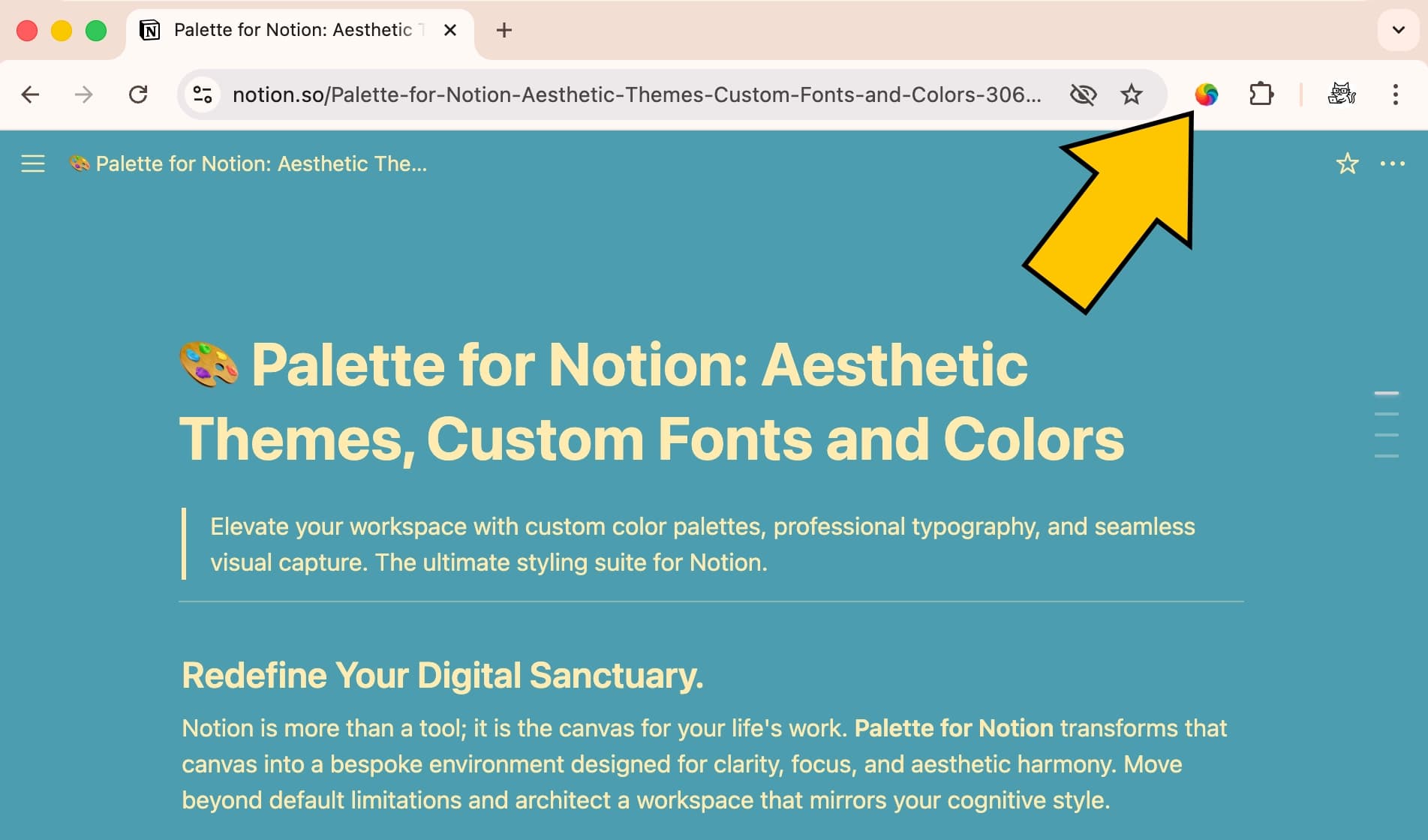
The Palette icon will now stay in your toolbar. Click it to open the extension.
After that, click Log In / Buy or Log In.
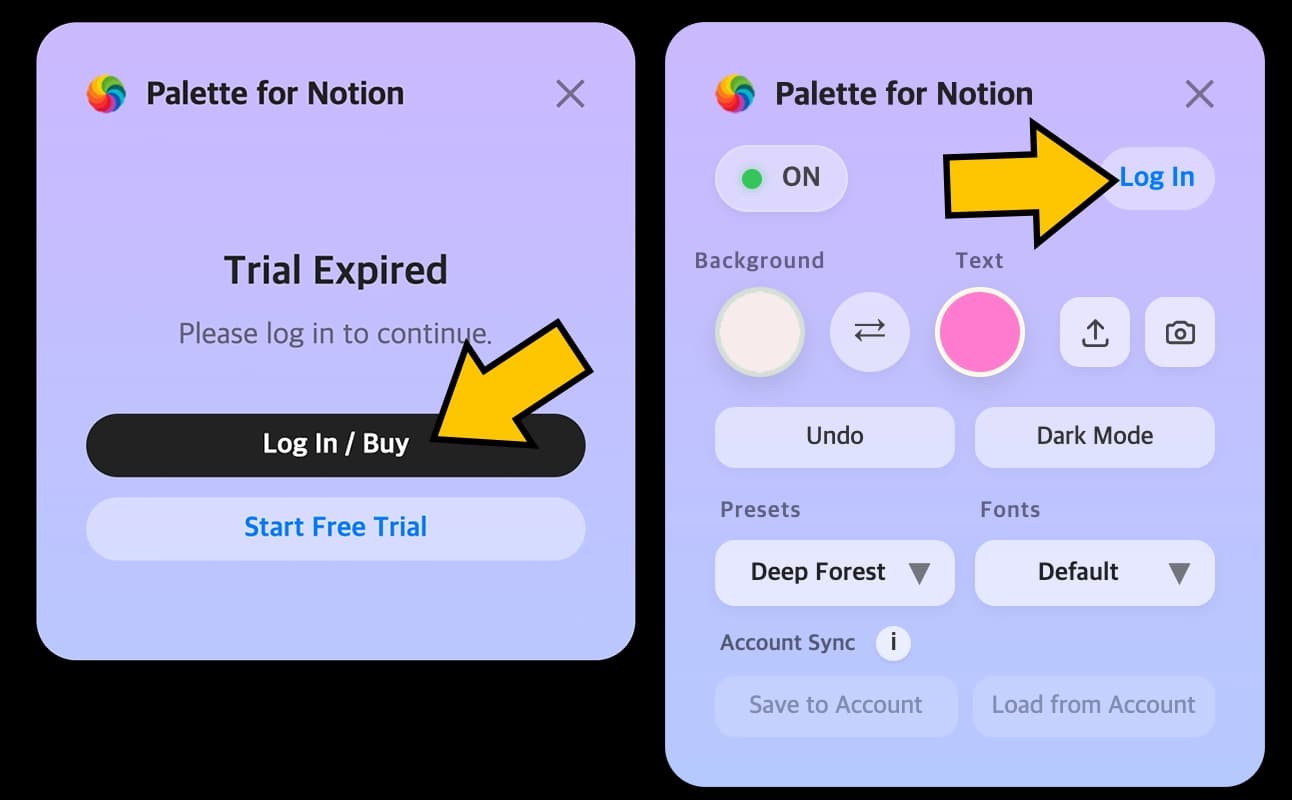
Then you will be automatically logged in, and all features will be activated.
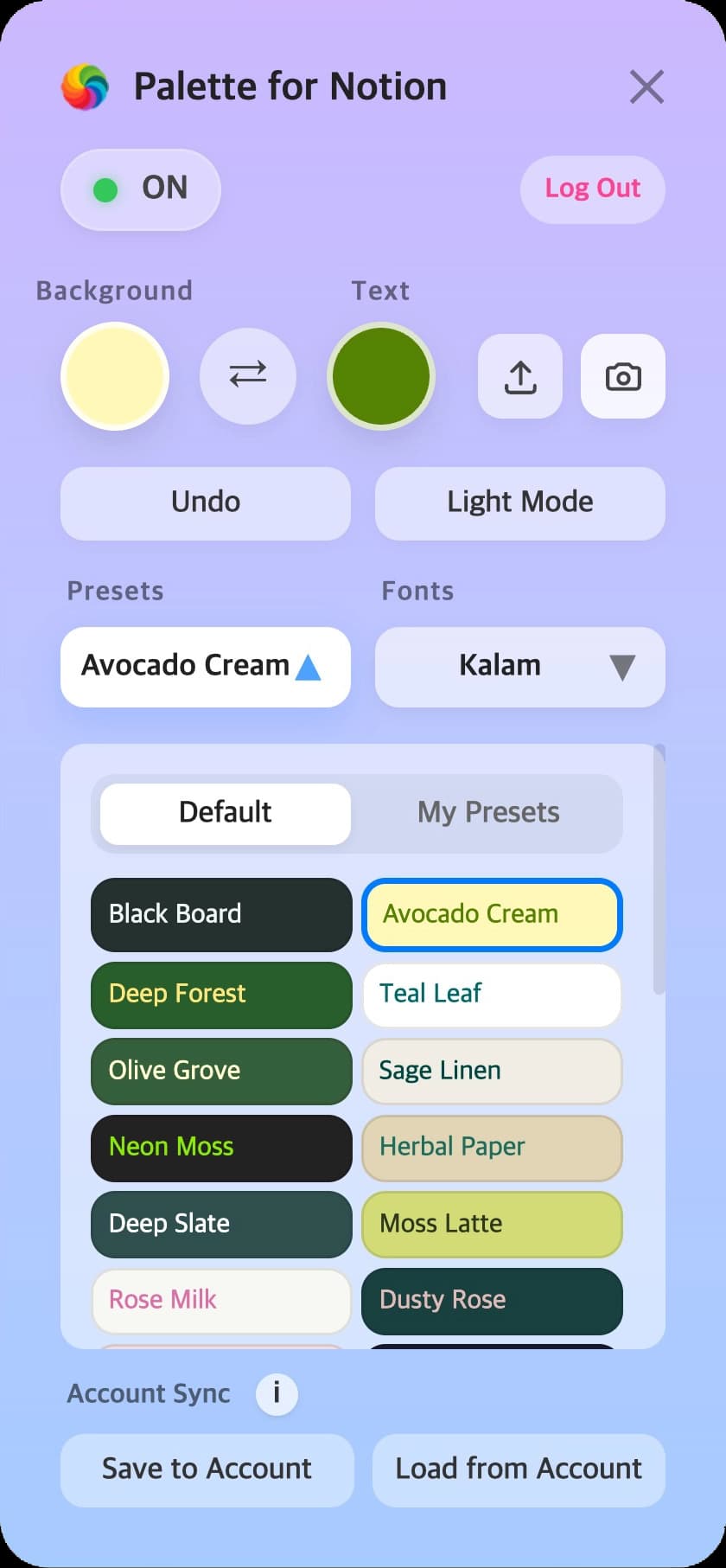
Basic Usage
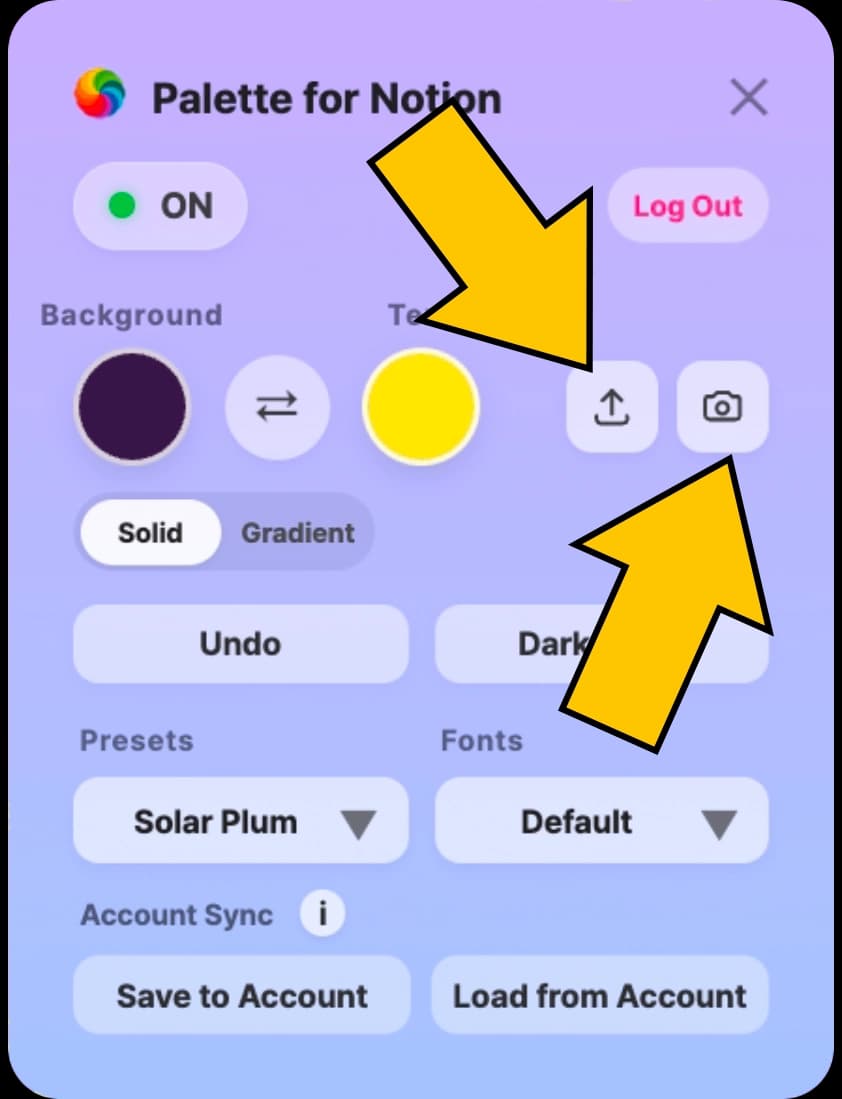
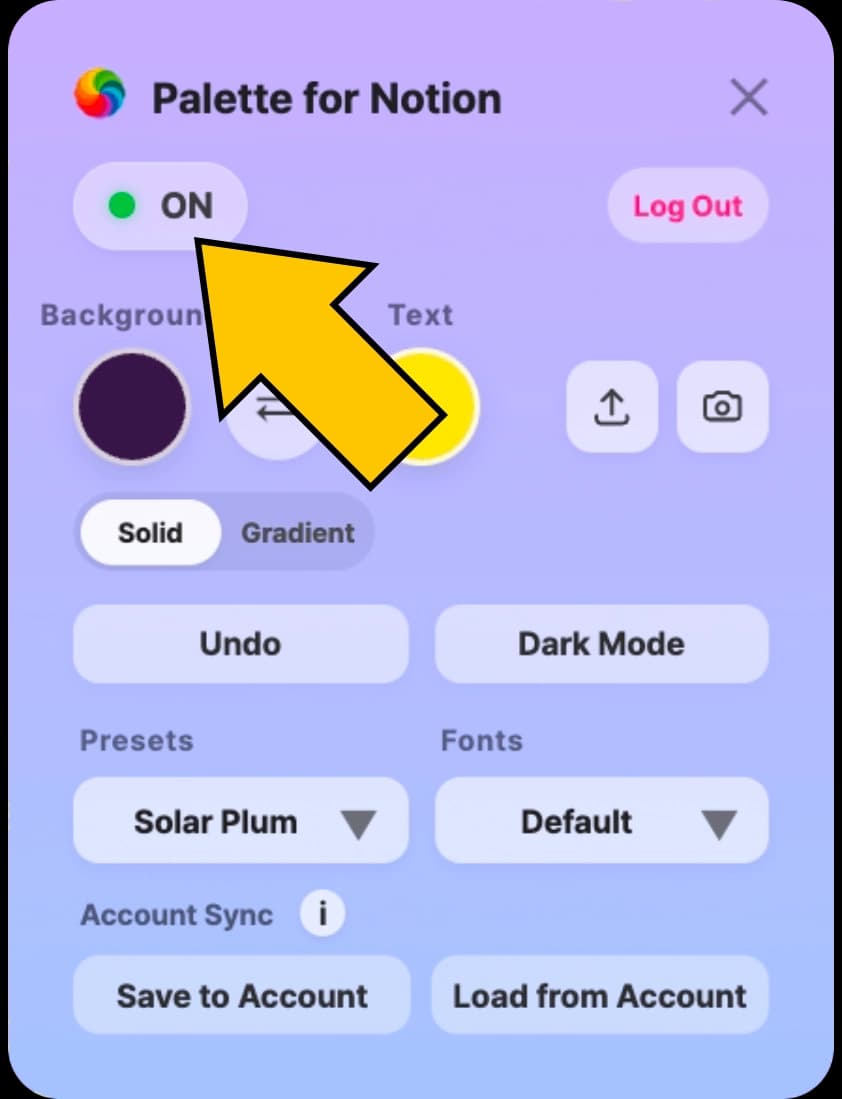
Enable/Disable: Easily toggle the extension on or off with the switch.
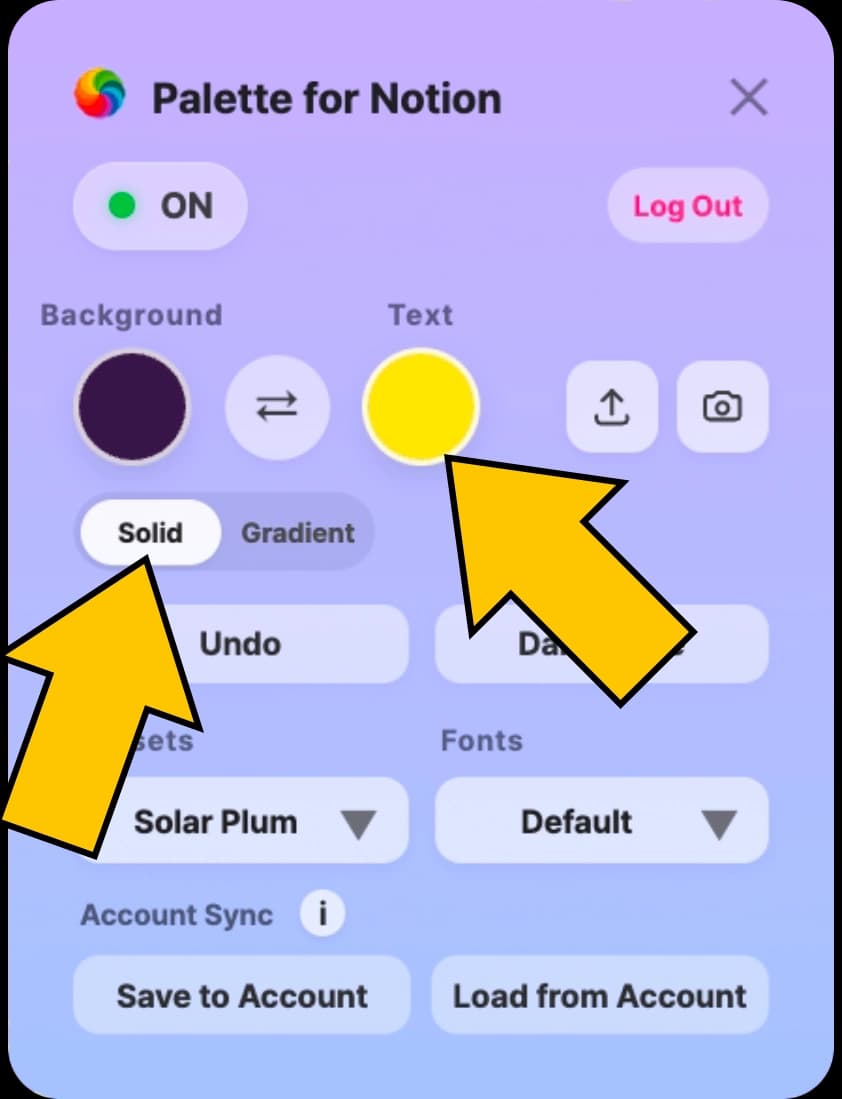
Solid colors: Select Solid in the control panel and freely change Notion background and text colors.
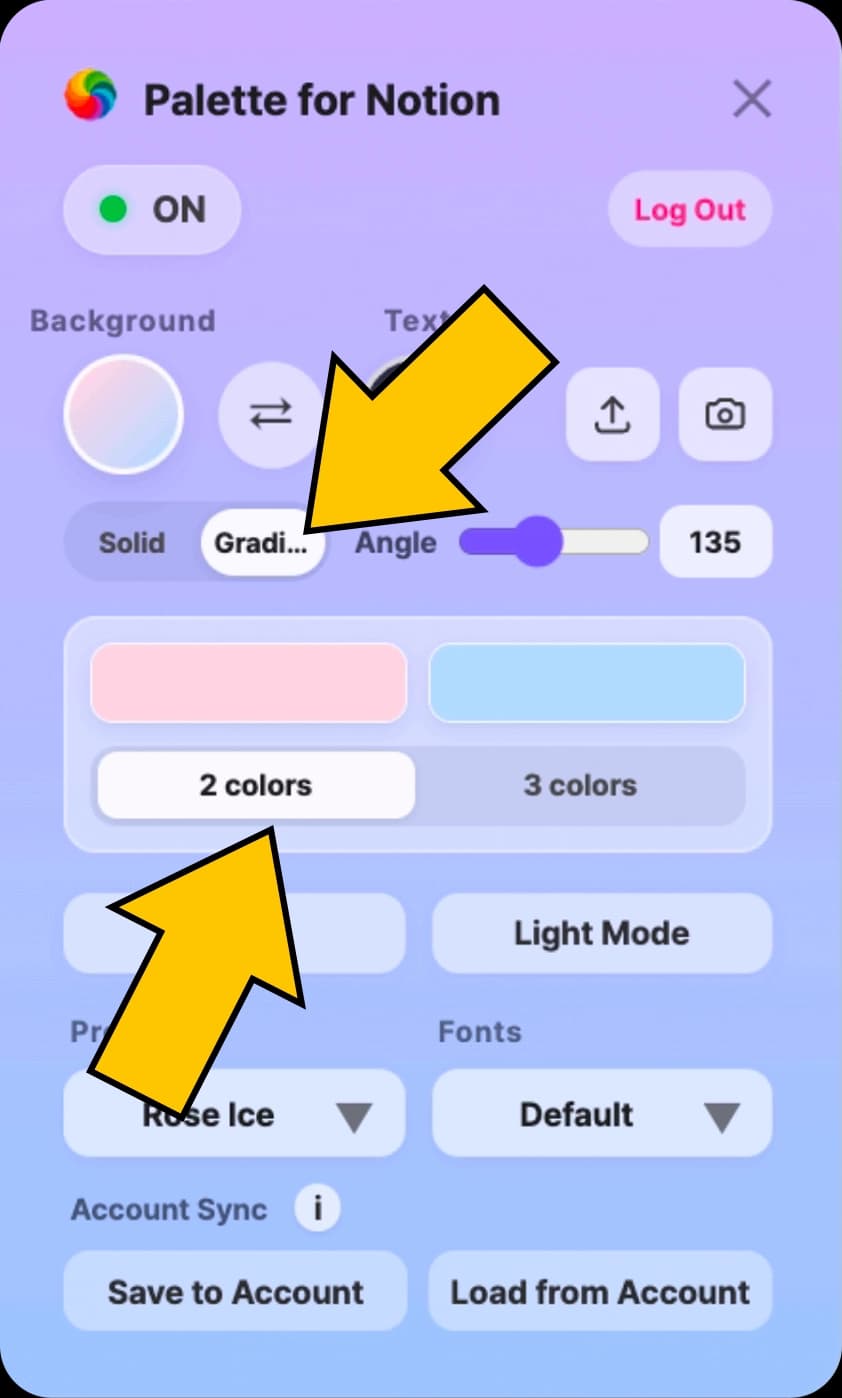
Gradient backgrounds: Select Gradient in the control panel and freely customize your gradient color combination.
Undo: If you change colors or fonts and don’t like the result, click this to return to the previous state.
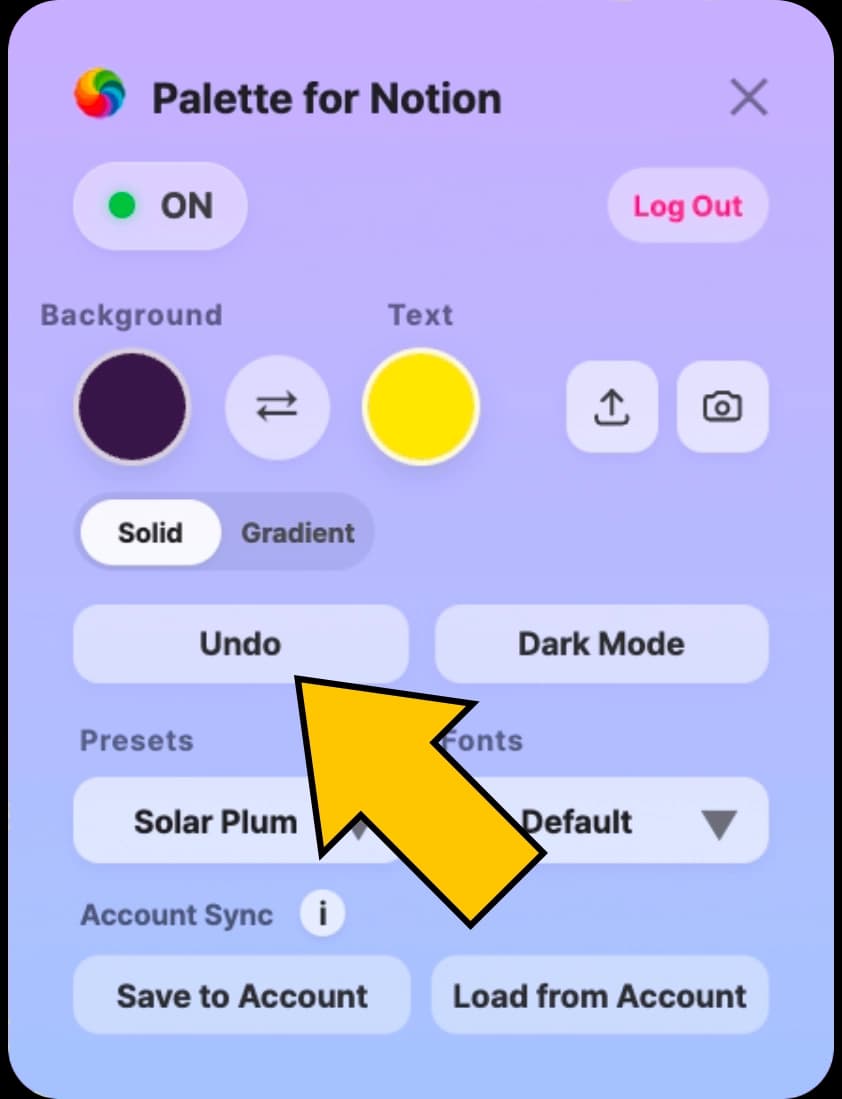
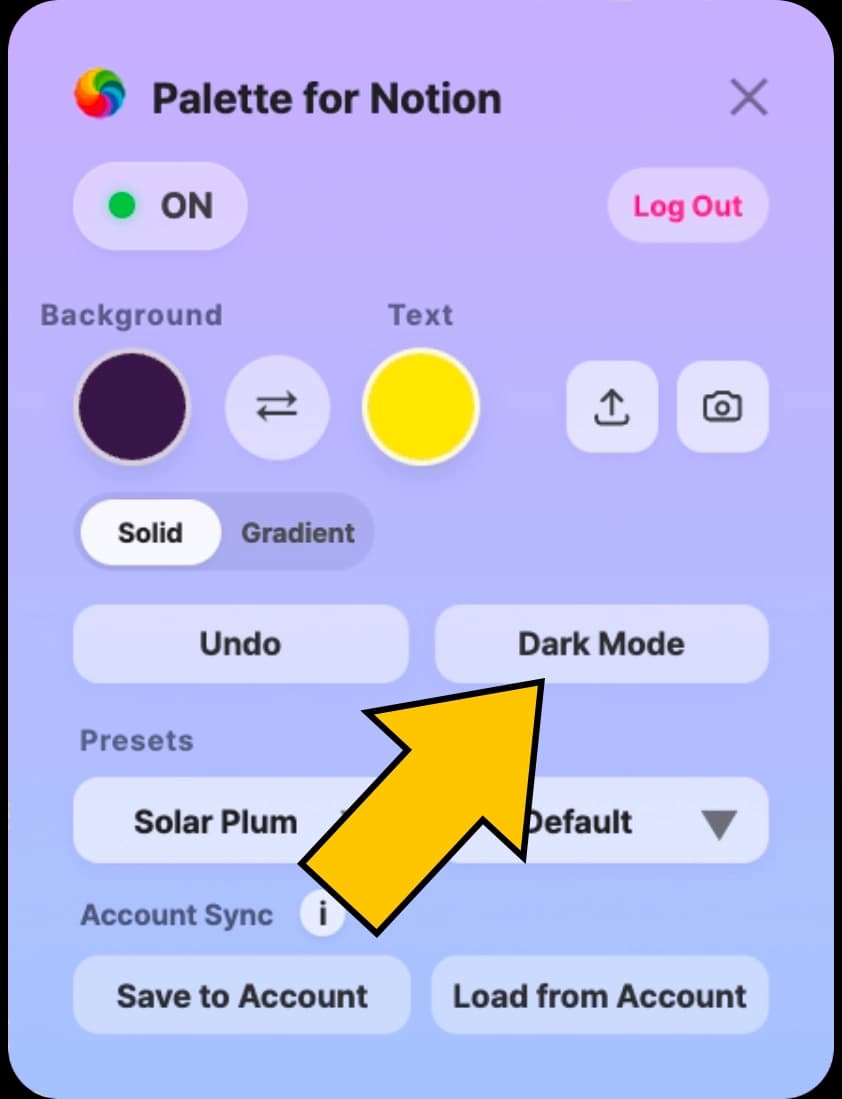
Change Mode: You can easily switch Notion’s default theme with a click. Depending on the color you selected, choose the one that matches best between Dark Mode and Light Mode.
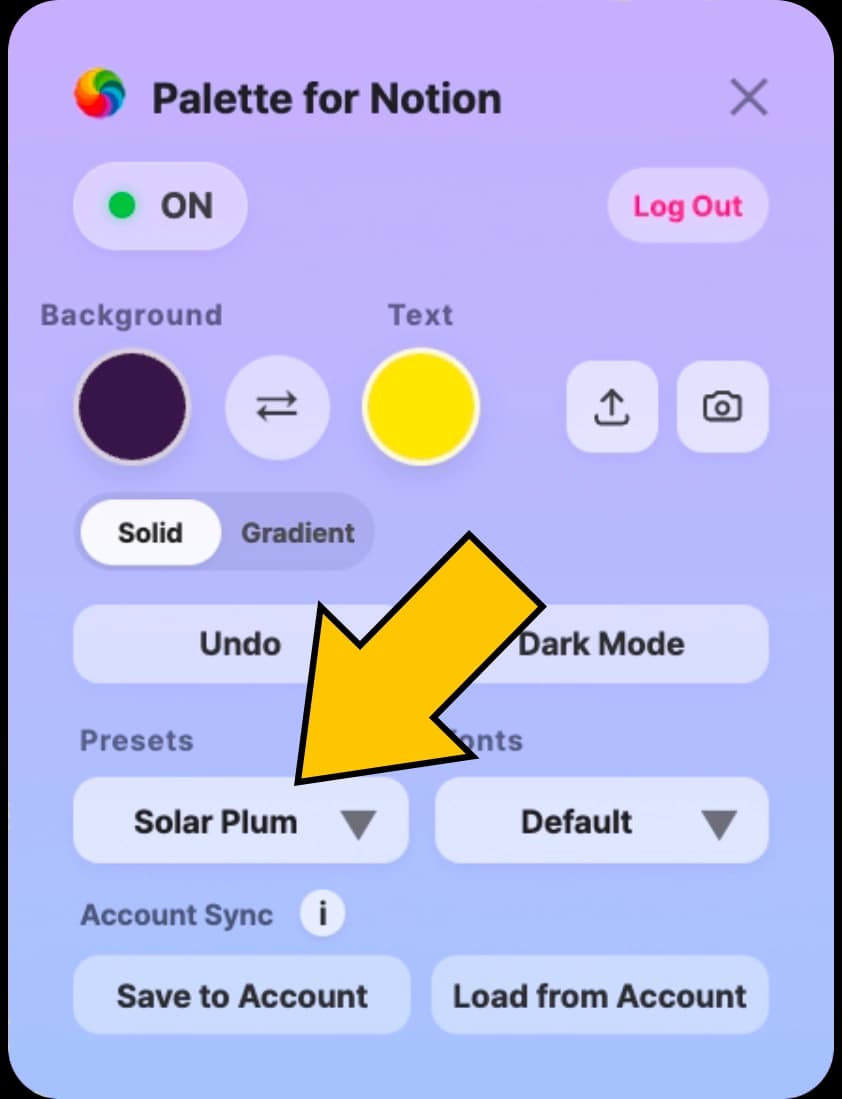
Presets: Apply one of 34 solid presets or 26 gradient presets instantly.
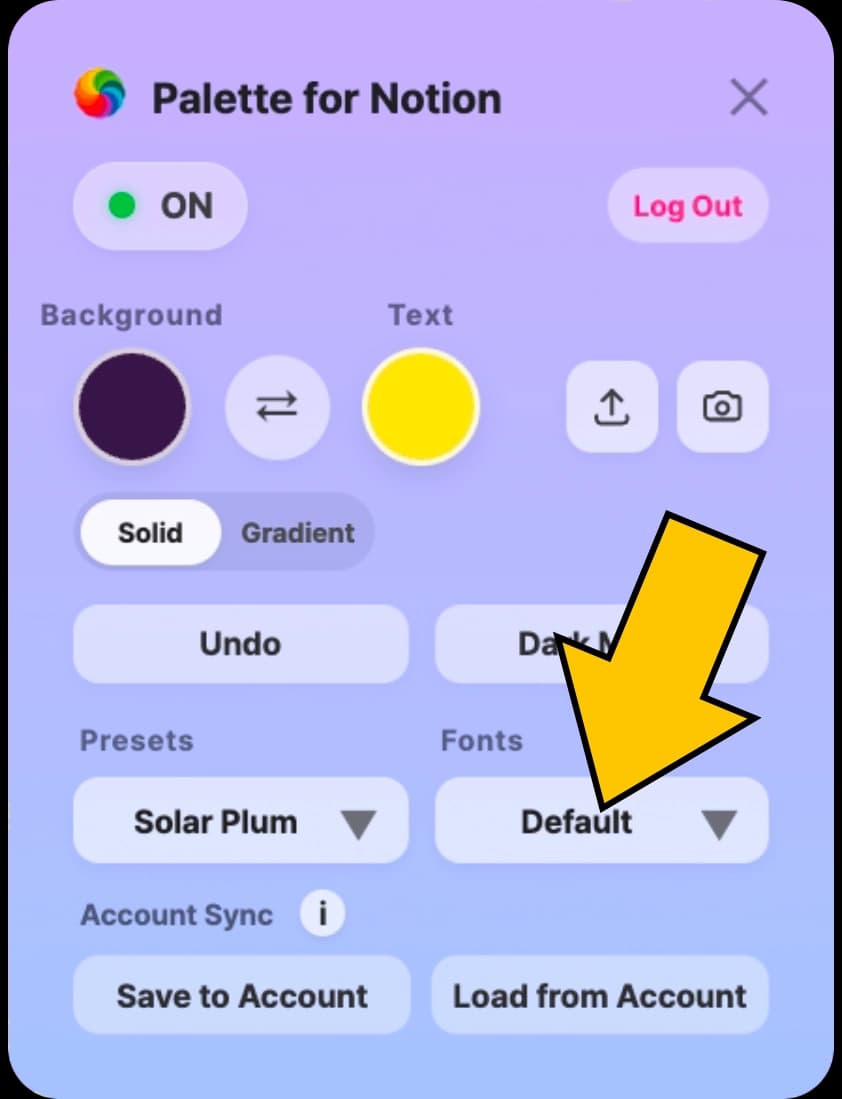
Fonts: Choose from 58 fonts for different languages, or keep Notion’s default font.
My Presets: Save up to 20 of your own color + font combinations.
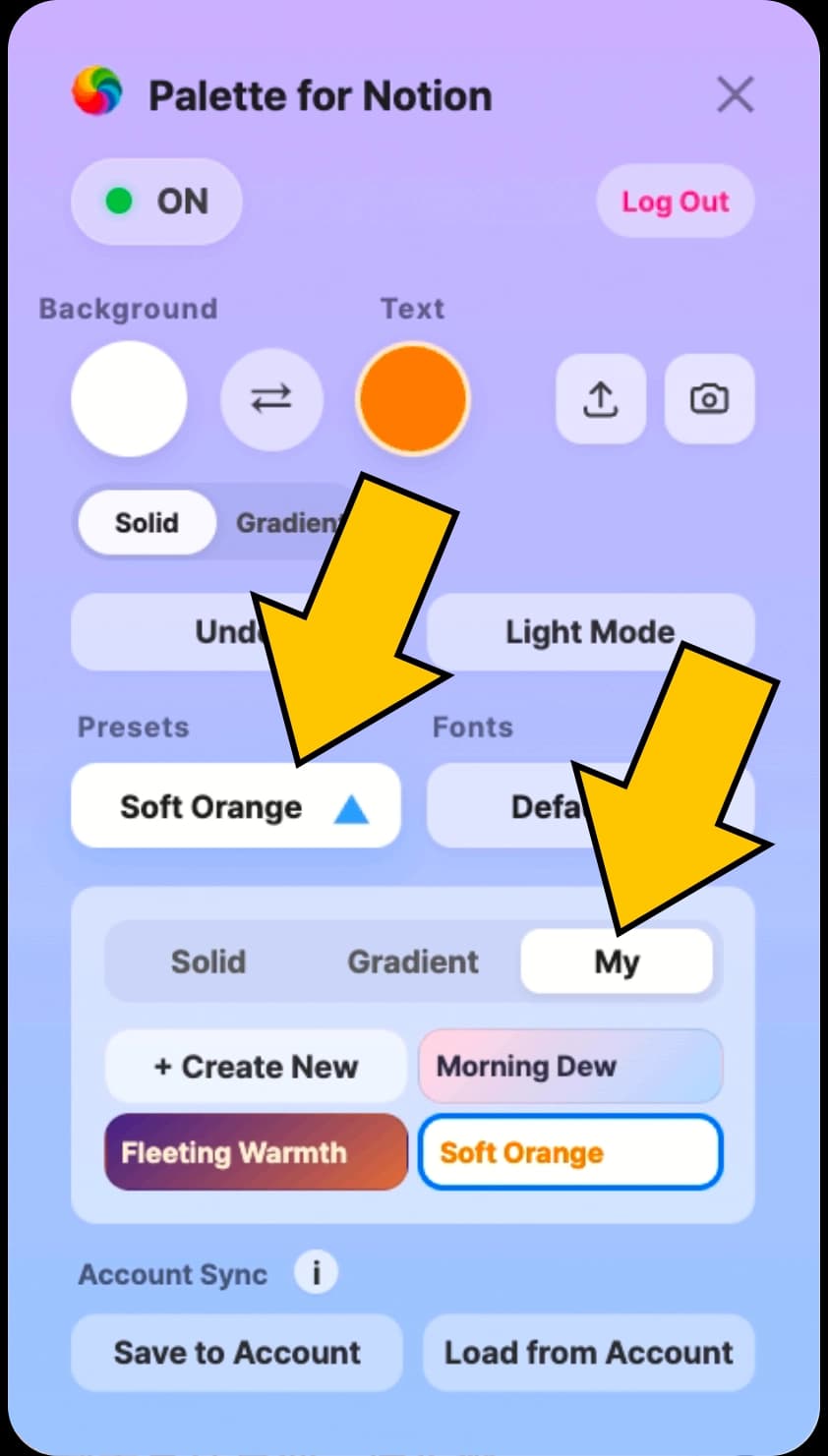
Share & Screenshot: Copy the store link or capture your current page in one click.